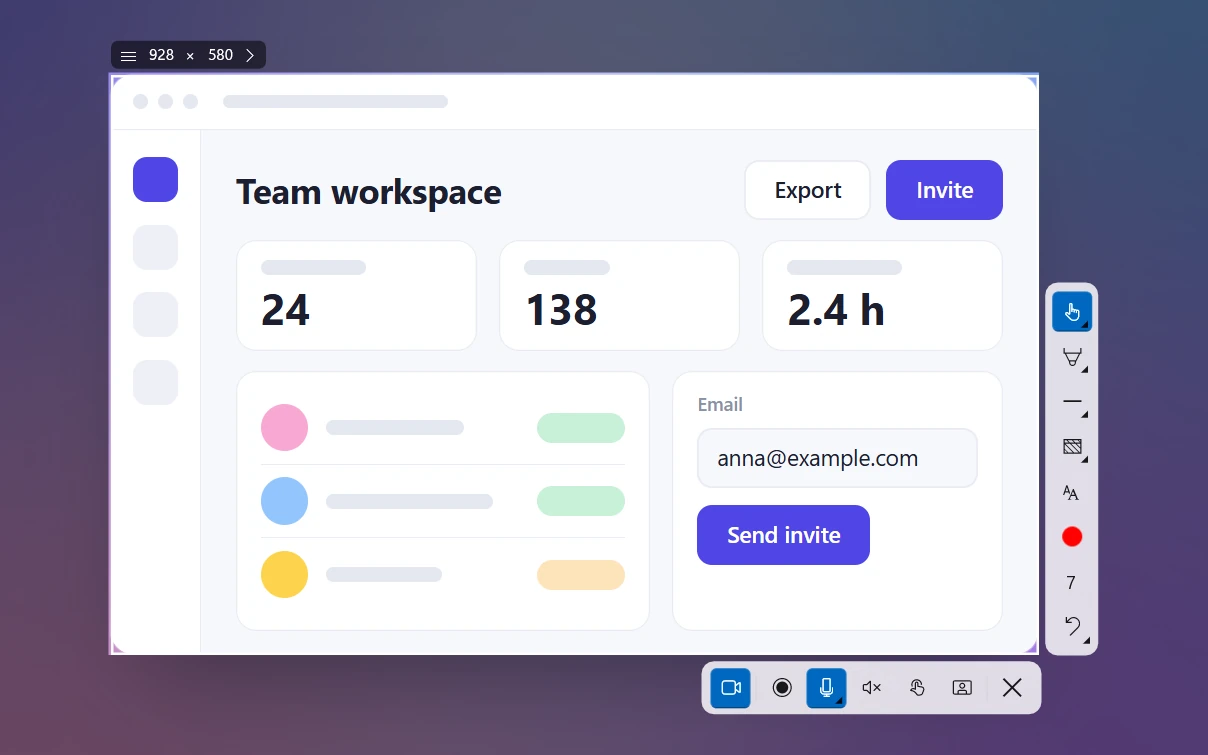
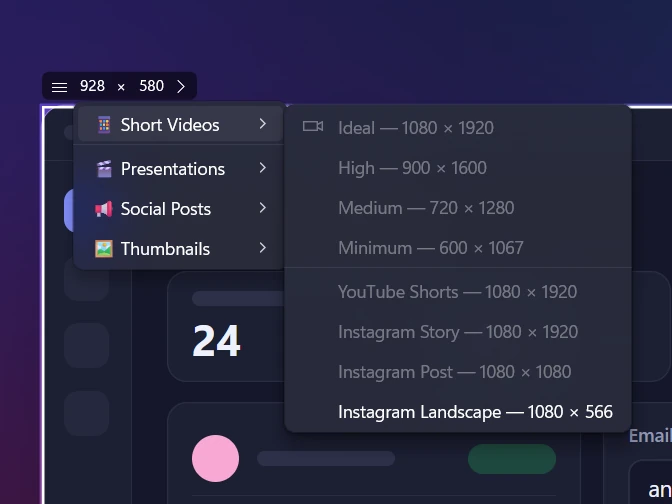
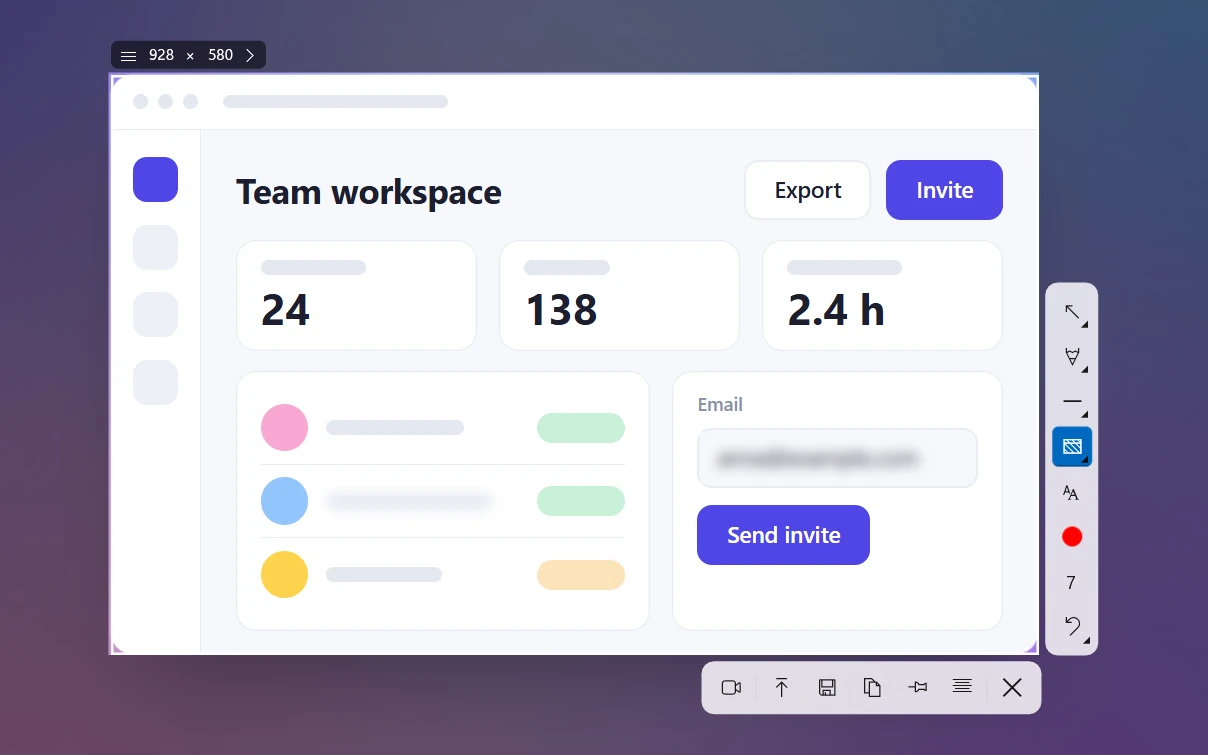
How to Record Your Screen with a Webcam on Windows and Mac
Record your screen and webcam at once on Windows or Mac for free: Sleekshot, Clipchamp, OBS Studio, Loom and a QuickTime trick. Steps, face masks and limits.
November 16, 2026 12 min read
Clear, tested answers about screenshots, screen recording and annotation on Windows and Mac.
Record your screen and webcam at once on Windows or Mac for free: Sleekshot, Clipchamp, OBS Studio, Loom and a QuickTime trick. Steps, face masks and limits.
November 16, 2026 12 min read
Mac screenshots not working? Check the floating thumbnail, the Save to folder, Keyboard Shortcuts settings, apps that take over ⌘⇧4, permissions and safe mode.
November 14, 2026 10 min read
Screenshot on any Acer laptop: where Prt Sc is on Aspire, Swift and Nitro, when you need Fn, the BIOS function key setting, and what to do if there's no Prt Sc.
November 12, 2026 9 min read
Make a GIF on a Mac for free: record the screen straight to GIF, or convert a screen recording with Shortcuts, Gifski or ffmpeg. Tips for small, sharp GIFs.
November 11, 2026 8 min read
Need a CleanShot X alternative? Sleekshot (free), Shottr and Snagit compared with CleanShot on recording, scrolling capture, OCR and price, plus how to switch.
November 9, 2026 9 min read
How to make a step-by-step guide with screenshots: plan the steps, keep one size, add numbers and arrows, blur private info. Free method vs Scribe and Tango.
November 8, 2026 10 min read
How to edit a screenshot on Mac: crop and resize it, draw arrows, add text and highlights, cover private info, then save as PNG, JPEG or HEIC. Free tools only.
November 7, 2026 12 min read
The best screen recorders for Mac in 2026: ⇧⌘5, Sleekshot, CleanShot X, Screen Studio, OBS, Loom, ScreenFlow and Kap. Prices, system audio and limits.
November 5, 2026 11 min read
Free screen recorders for Windows with no watermark: Snipping Tool, Game Bar, Sleekshot, OBS, ShareX and Clipchamp, with their time limits, webcam and catches.
November 4, 2026 6 min read
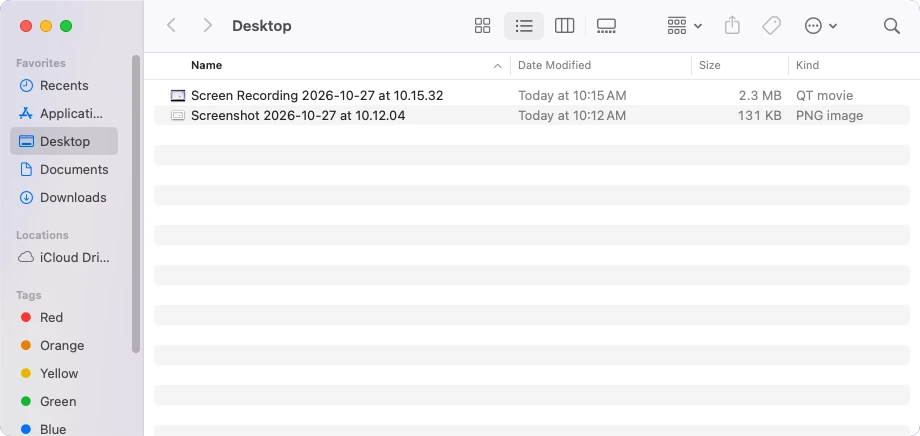
Mac screen recordings are saved to the desktop as .mov files named Screen Recording plus the date. How to find a missing recording and change the folder.
November 3, 2026 6 min read
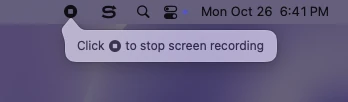
Stop a screen recording on Mac with the Stop button in the menu bar or Command-Control-Esc, plus what to do when the button is hidden or recording won't stop.
November 1, 2026 5 min read
Screenshot on any ASUS laptop: where PrtSc is, the screen capture key (F11 on many models), Fn + Esc and the MyASUS function key lock, ROG tips and where files go.
October 31, 2026 9 min read
Screen record on Mac with audio: your mic works in ⌘⇧5 on any macOS, the Mac's own sound only on macOS 27. On older Macs use Sleekshot, OBS or BlackHole.
October 30, 2026 10 min read
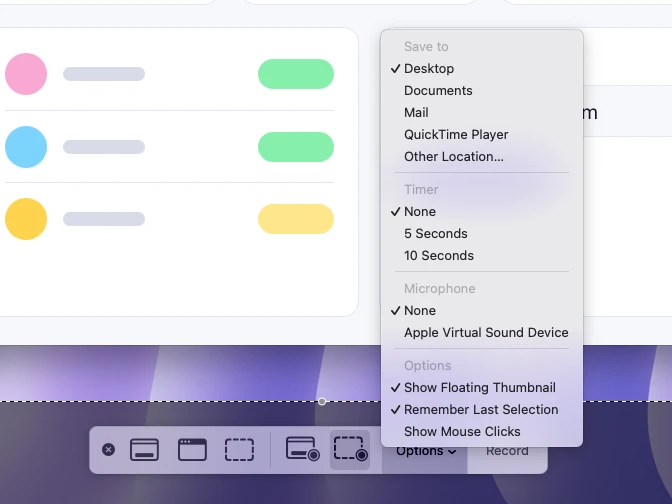
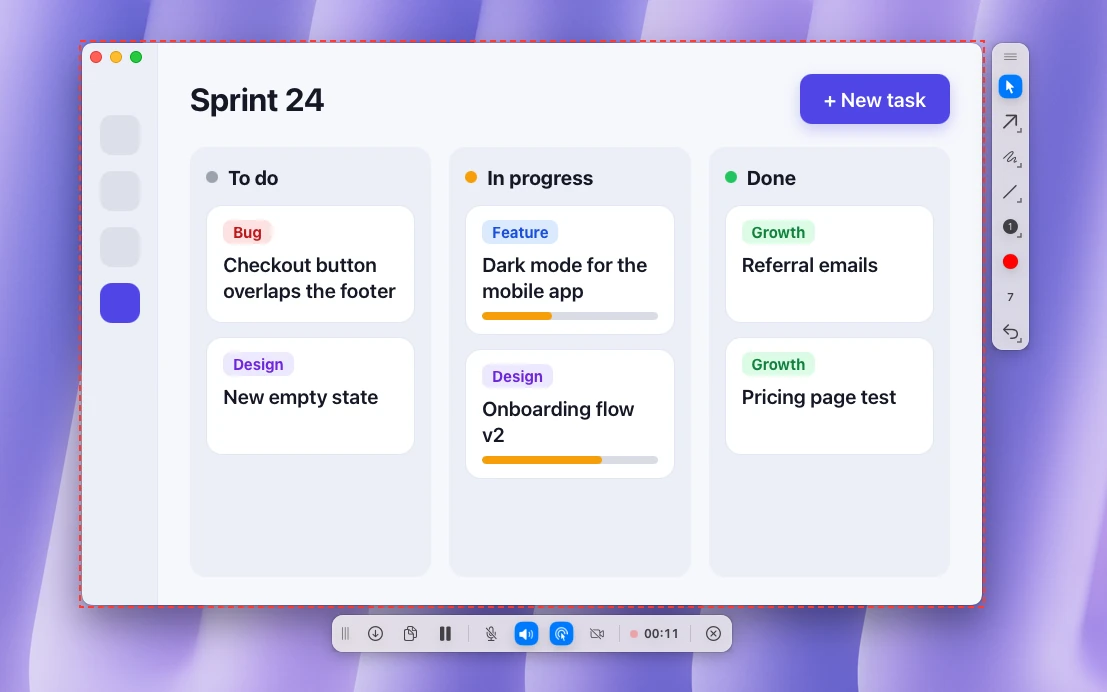
Screen record on a Mac or MacBook: press Shift-Command-5, pick an area, click Record. How to stop, add sound, find the .mov file, plus QuickTime and a free app.
October 28, 2026 12 min read
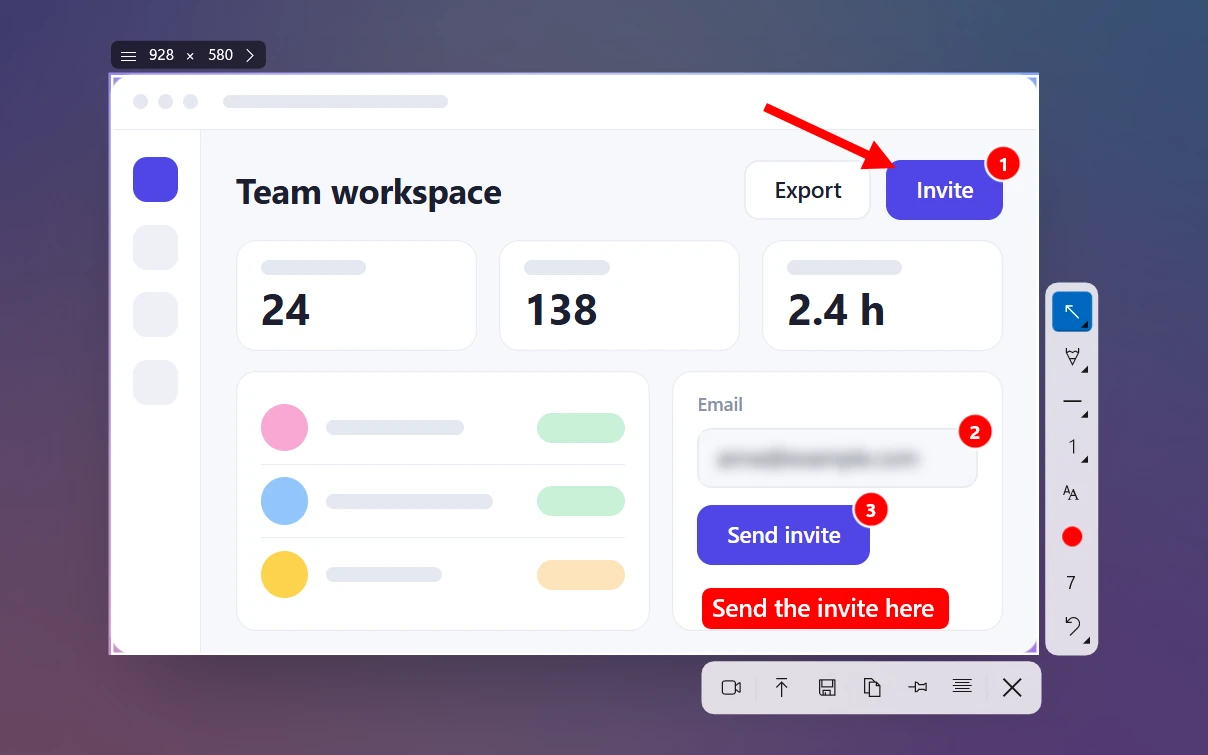
How to annotate a screenshot on Windows or Mac with arrows, boxes, numbered steps, highlights, text and blur. Free tools compared, plus tips for clear results.
October 27, 2026 8 min read
Screen record with audio on Windows 11 or 10: turn on your mic and system sound in Snipping Tool, Game Bar, Sleekshot or OBS, and fix silent recordings.
October 25, 2026 8 min read
Social media image sizes for 2026: Instagram, Facebook, X, LinkedIn, Pinterest, YouTube thumbnails, Shorts and Open Graph, checked against official specs.
October 23, 2026 11 min read
Blur, pixelate or black out part of a screenshot on Windows, Mac or a phone, and why light blur can be undone. Safe steps for Sleekshot, Snipping Tool and Paint.
October 21, 2026 8 min read
Screenshot on any Lenovo laptop: where PrtSc is on ThinkPad, IdeaPad and Yoga, when you need Fn, how FnLock and Vantage change it, and the shortcuts that work.
October 19, 2026 10 min read
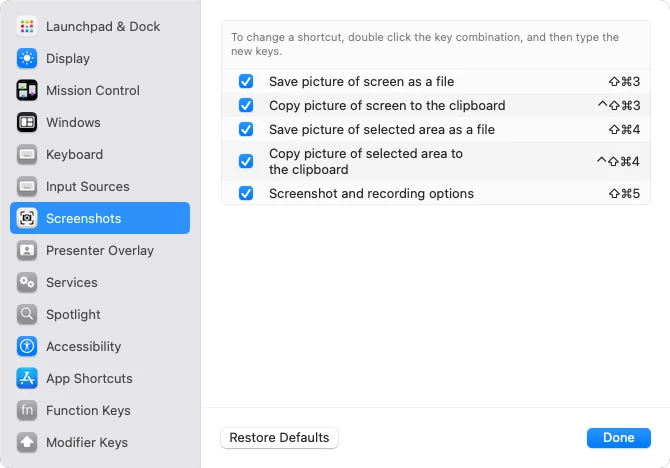
Every Mac keyboard shortcut for screenshots in one table: ⌘⇧3, ⌘⇧4, Space, ⌘⇧5, ⌘⇧6, Control to copy, and how to change or turn them off in System Settings.
October 17, 2026 10 min read
How to screenshot on any Windows laptop: Win+Shift+S, PrtSc with or without Fn, Fn lock, laptops with no PrtSc key, and a cheat sheet for HP, Dell and more.
October 15, 2026 10 min read
The shortcut to copy text from an image on Windows 11 is Win + Shift + S, then Text extractor. On Windows 10, use PowerToys (Win + Shift + T) or free Sleekshot.
October 13, 2026 8 min read
The Snipping Tool shortcut is Win + Shift + S on Windows 11 and 10. Here's every other key too: Win + Shift + R for video, PrtSc setup, delays and quick fixes.
October 11, 2026 8 min read
How to screenshot on a Dell laptop: Print Screen on F10, F10 vs Fn + F10, Fn lock (Fn + Esc), Win+Shift+S, XPS touch function rows and where screenshots go.
October 9, 2026 8 min read