Screenshot tool
reinvented for
Windows 11

Stop wasting time on unnecessary clicks. Capture, annotate, and share screenshots in seconds — not minutes. The fastest way to communicate visually.

Download Free
Easy. Fast. Stylish. Pro.
Easy yet powerful — just the way it should be

Hero animation

5sec
to annotate & share
8hrs
saved per year
0
unnecessary clicks

Work faster.
Communicate clearer.
Get more done.

faster than Windows Snipping Tool for annotation tasks

Capture in one keystroke

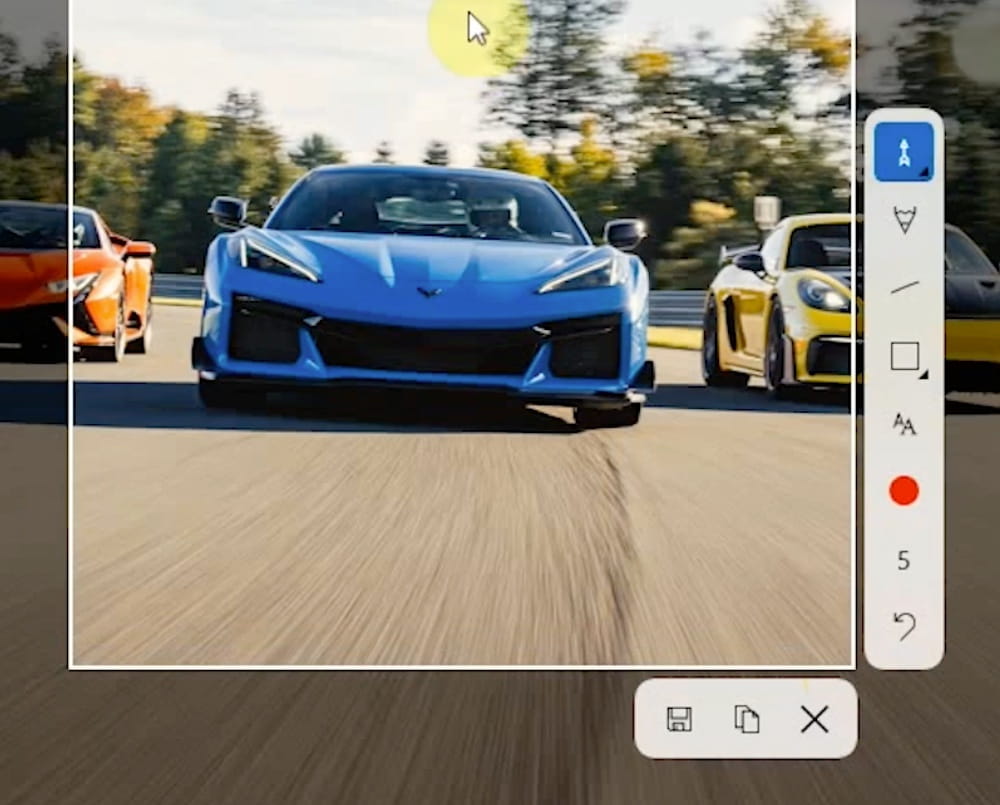
Press a hotkey, select your area, and you're already annotating. No menus, no waiting, no friction.

Annotate like a pro

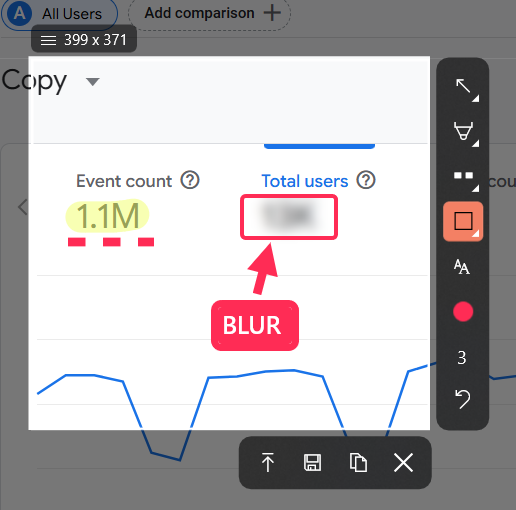
Arrows, blur, shapes, text — everything you need is one click away. Your tools, your workflow.

Share instantly

Upload to cloud with one click and get a shareable link. Perfect for remote teams and async communication.

Speed that actually matters

We benchmarked the most common task: draw an arrow and add text to a screenshot. The results speak for themselves.

Sleekshot 5 sec
Lightshot 7 sec
ShareX 10 sec
Windows Snipping Tool 45 sec

* Task: Capture screen region, draw an arrow, add text annotation. Measured on Windows 11.

Everything you need

Pro annotation

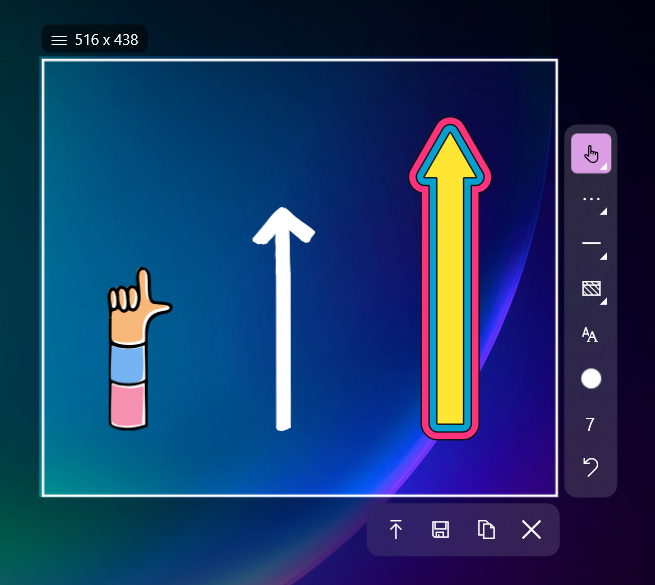
Arrows, lines, shapes, text, blur, pencil — dashed or solid

Tools animation
Hotkeys for every tool

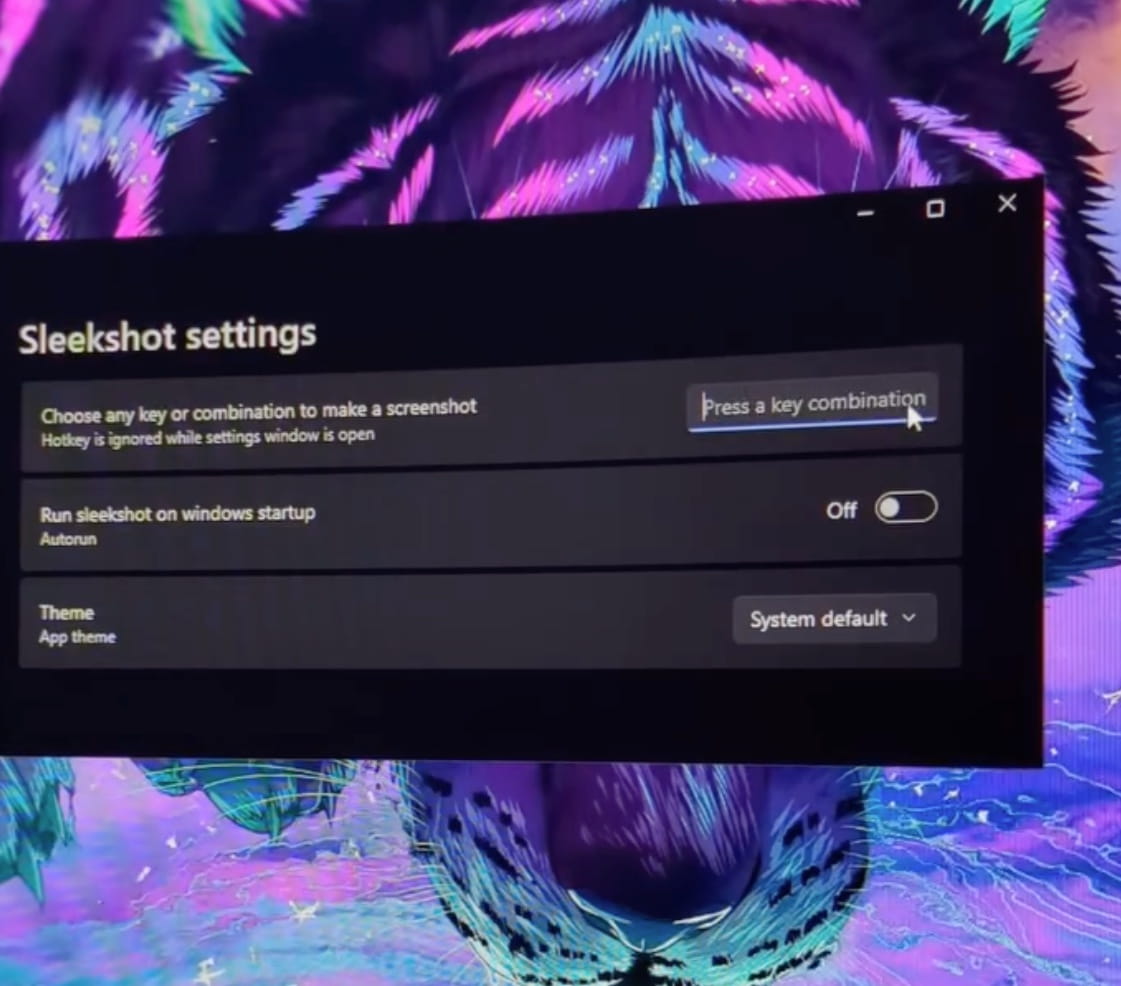
Set your preferred keyboard shortcuts. Capture full screen, region, or window — your way.

Capture cursor

Include or exclude the cursor in your screenshots. Perfect for tutorials and documentation.

Multiple formats

Save as PNG, JPEG, or WebP. Choose quality and compression. Your files, your rules.

Predefined tools

Save your favorite colors, sizes, and tool settings. One click to your perfect setup.

Cloud upload

One click to upload. Instant shareable link. Share with anyone, anywhere.

Full toolkit for visual communication

Arrows
Shapes
Lines
Dashed lines
Pencil
┈✏ Dashed pencil
Blur
T Text
Hotkeys
🖱 Capture cursor
Cloud upload
🔗 Shareable links
Formats: PNG JPEG WebP

Your time matters

The average knowledge worker takes 10+ screenshots per day. If each one saves you 40 seconds with Sleekshot, that's:

7
minutes saved per day
35
minutes saved per week
8
hours saved per year
Time Saved!

Built for pros who move fast

Whether you're documenting, debugging, or communicating — Sleekshot keeps up with you.

Ship faster with crystal-clear communication

Bug reports that make sense. Design feedback that's precise. Specs that leave no room for confusion. Capture, annotate, blur sensitive data, share — all in seconds.
Less back-and-forth. More building.

Developers
Designers
Product Managers
QA

Learn and teach with visual clarity

Capture lecture slides, annotate research, create study guides. Teachers: build visual tutorials in seconds. Students: organize notes and share insights effortlessly.
A picture explains it better.

Lecture notes
Tutorials
Research
Presentations

Mark up blueprints and CAD drawings instantly

Capture technical drawings, highlight problem areas, add measurements and notes. Share revisions with clients and contractors without lengthy emails.
Precision communication for precision work.

CAD markups
Client reviews
Technical docs

Get your point across in half the time

Stop writing long emails explaining where to click. Capture your screen, draw an arrow, done. Reports, training materials, and process documentation — all easier with visuals.
Work smarter, not harder.

Reports
Training
Email communication

Professional visuals in seconds

Create polished screenshots for blog posts, social media, and tutorials. Add arrows, highlight key points, and export in PNG, JPEG, or WebP.
Content that converts.

Blog posts
Tutorials
Social media
Start capturing smarter

Works on Windows 10 & 11

Download for Windows

No account required to get started

Built for Windows 11

Native performance. Modern design.
Feels right at home on your PC.

Windows 10 & 11

Stop clicking. Start capturing.

Download Sleekshot Free

Join 15,000+ users saving time every day