
Everything you need to capture and explain
Sleekshot is a free screenshot and screen recording app for Windows 10 & 11, with a simpler free version for Mac.
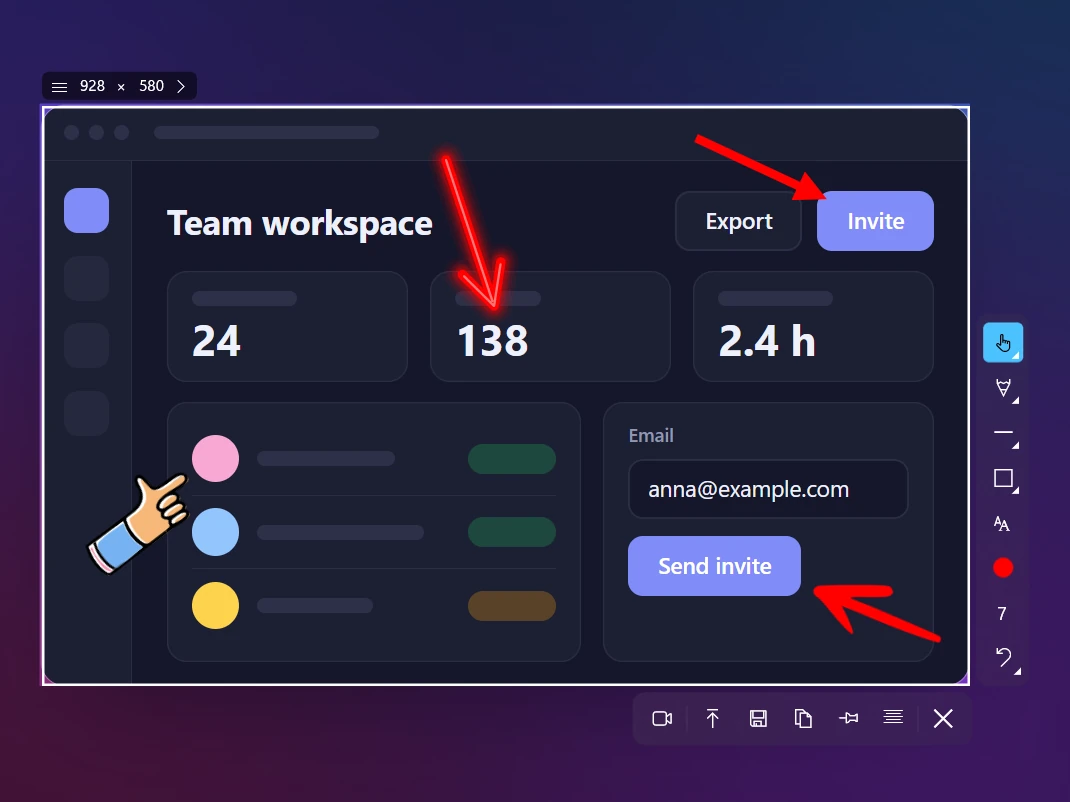
Annotate Screenshots Without an Editor: Arrows, Steps, Blur
Annotate screenshots on Windows 10 and 11 without opening an editor: 7 arrow styles, numbered steps, blur, a highlighter, text, shapes and 20 colors. Free.
Learn more →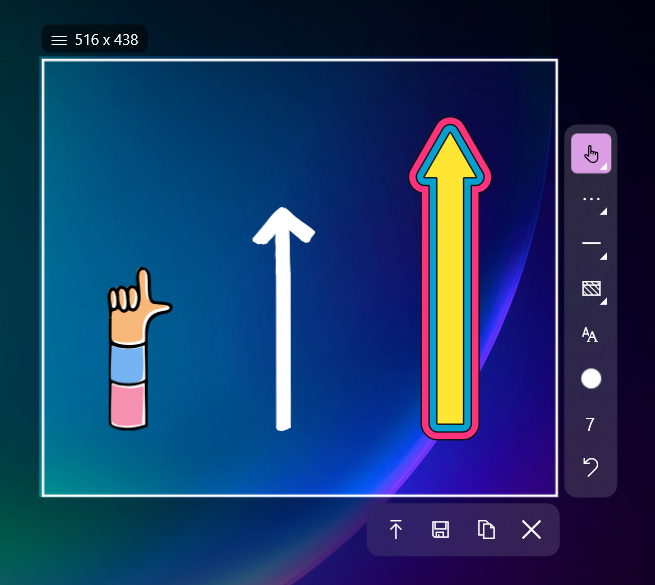
Free Screen Recorder for Windows: Audio, Webcam, No Watermark
Record your screen on Windows 10 and 11 for free: MP4 with mic and system audio, your webcam, highlighted clicks and drawing. No watermark, no time limit.
Learn more →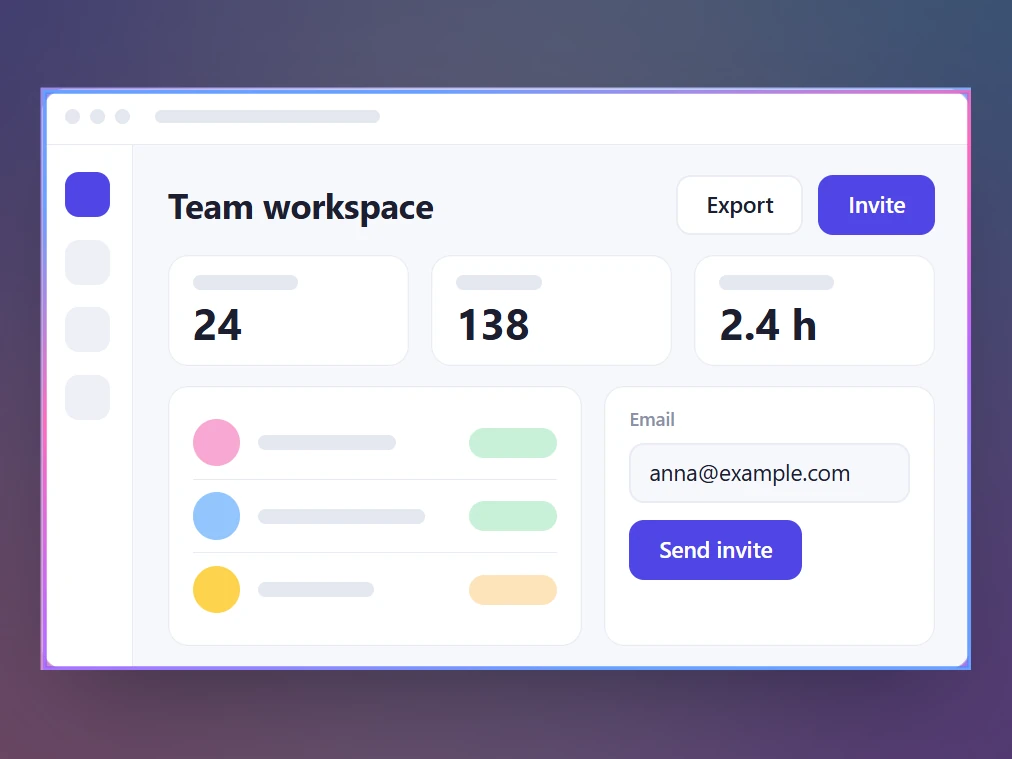
Copy Text from Any Part of the Screen (OCR on Your PC)
Copy text from images, videos, PDFs and apps on Windows with Ctrl+O. Sleekshot reads text on your PC in 16 popular languages, so nothing is uploaded.
Learn more →
Share Screenshots as a Short Link: One Key, No Account
Turn a screenshot into a short link with Ctrl+U, no sign-up, then open or copy it. Plus quick save to recent folders and auto-save, free in Sleekshot.
Learn more →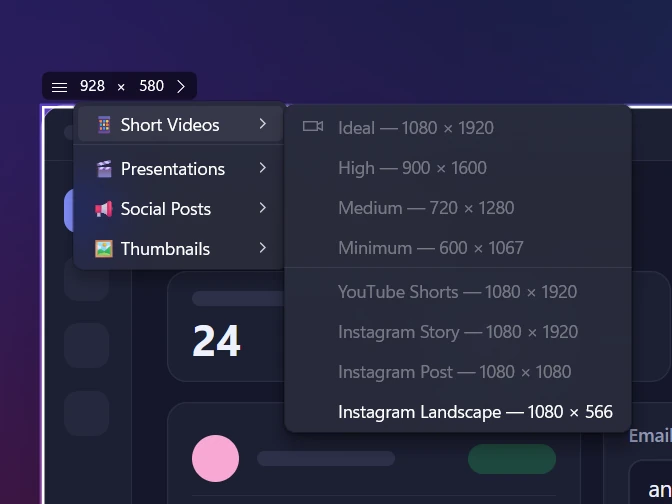
Screenshots at an Exact Size: Ready-Made Sizes for Social Posts, Shorts and Slides
Take screenshots and recordings at an exact size: type W × H up to 7680 × 4320 or pick a ready-made size for Shorts, Instagram, X, LinkedIn or YouTube.
Learn more →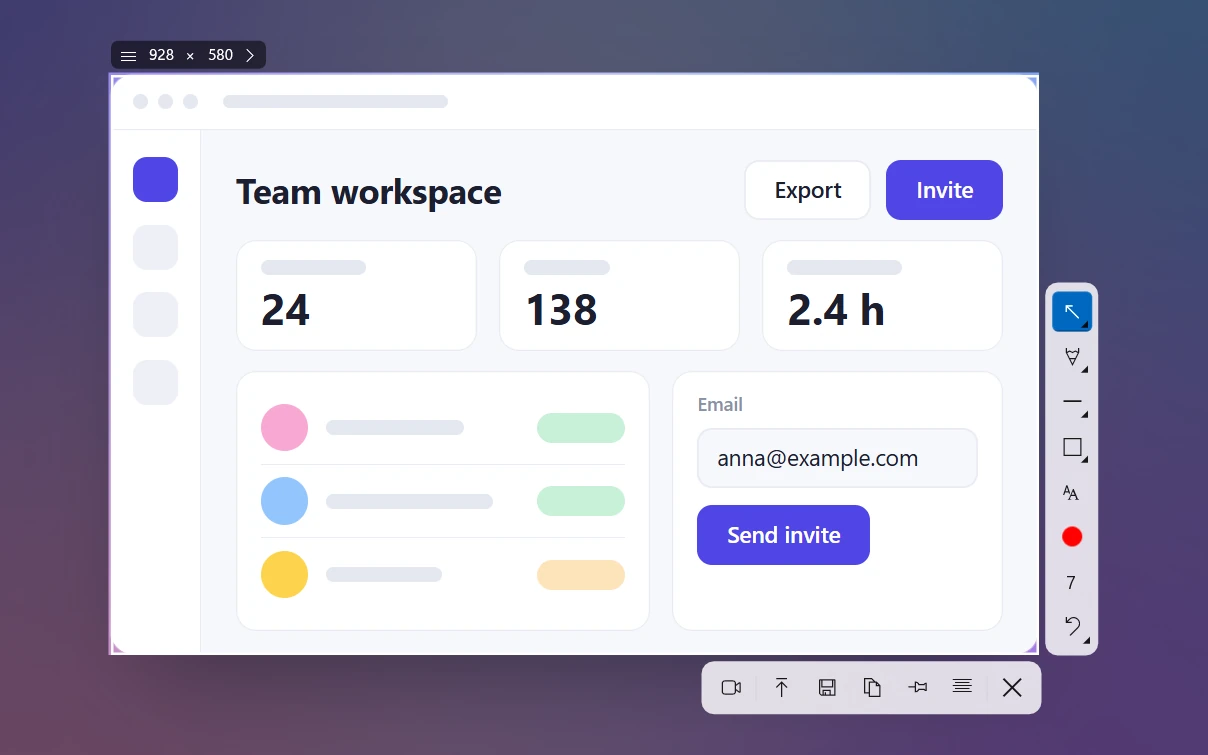
Sleekshot Keyboard Shortcuts: Complete Cheat Sheet for Windows and Mac
Every Sleekshot keyboard shortcut on one page: screenshots, drawing, copy, save, upload, OCR and recording on Windows. Plus Mac keys and how to change the key.
Learn more →
Sleekshot for Mac: a Free Screenshot App with Arrows, Text and Blur
Sleekshot for Mac is a free menu bar screenshot app for macOS 12+. Press ⌘⇧2, add arrows and text right on the screenshot, blur and copy text. Mac App Store.
Learn more →