
How to Screenshot on a Laptop: Every Windows Method, Any Brand
How to screenshot on any Windows laptop: Win+Shift+S, PrtSc with or without Fn, Fn lock, laptops with no PrtSc key, and a cheat sheet for HP, Dell and more.
October 15, 2026 10 min read
Clear, tested answers about screenshots, screen recording and annotation on Windows and Mac.
How to screenshot on any Windows laptop: Win+Shift+S, PrtSc with or without Fn, Fn lock, laptops with no PrtSc key, and a cheat sheet for HP, Dell and more.
October 15, 2026 10 min read
The Snipping Tool shortcut is Win + Shift + S. Here's every other key for Windows 11 and 10 too: video snips, delay, modes, PrtSc setup and quick fixes.
October 11, 2026 8 min read
How to screenshot on a Dell laptop: Print Screen on F10, F10 vs Fn + F10, Fn lock (Fn + Esc), Win+Shift+S, XPS touch function rows and where screenshots go.
October 9, 2026 8 min read
How to screenshot on an HP laptop: where prt sc is on HP keyboards, when you need Fn, Win+Shift+S, Win+prt sc, x360 tablet mode and where screenshots are saved.
October 5, 2026 8 min read
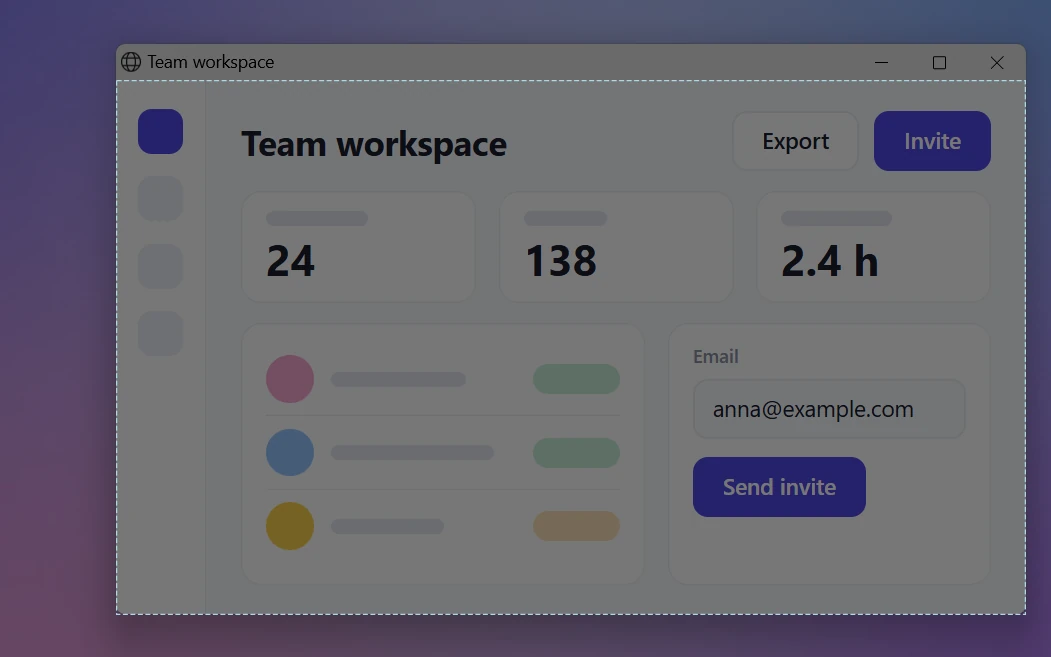
Screenshot just one window on Windows 11 or 10: Alt + PrtSc, Snipping Tool's Window mode, Game Bar or a single click in Sleekshot. Plus the Mac shortcut.
October 3, 2026 6 min read
Win + PrtSc saves to Pictures → Screenshots, while PrtSc and Alt + PrtSc only copy to the clipboard. Where each Windows method saves, and how to find lost ones.
February 26, 2026 7 min read
No PrtSc key? Take screenshots on Windows 11 and 10 with Win + Shift + S, Snipping Tool, the On-Screen Keyboard, Game Bar, Fn keys or a key of your own.
February 26, 2026 7 min read
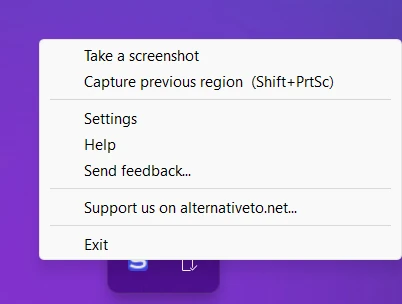
Take screenshots on Windows 11 and 10 with just the mouse: Snipping Tool, a desktop shortcut, the On-Screen Keyboard, mouse buttons, touchpad taps, Sleekshot.
February 26, 2026 6 min read
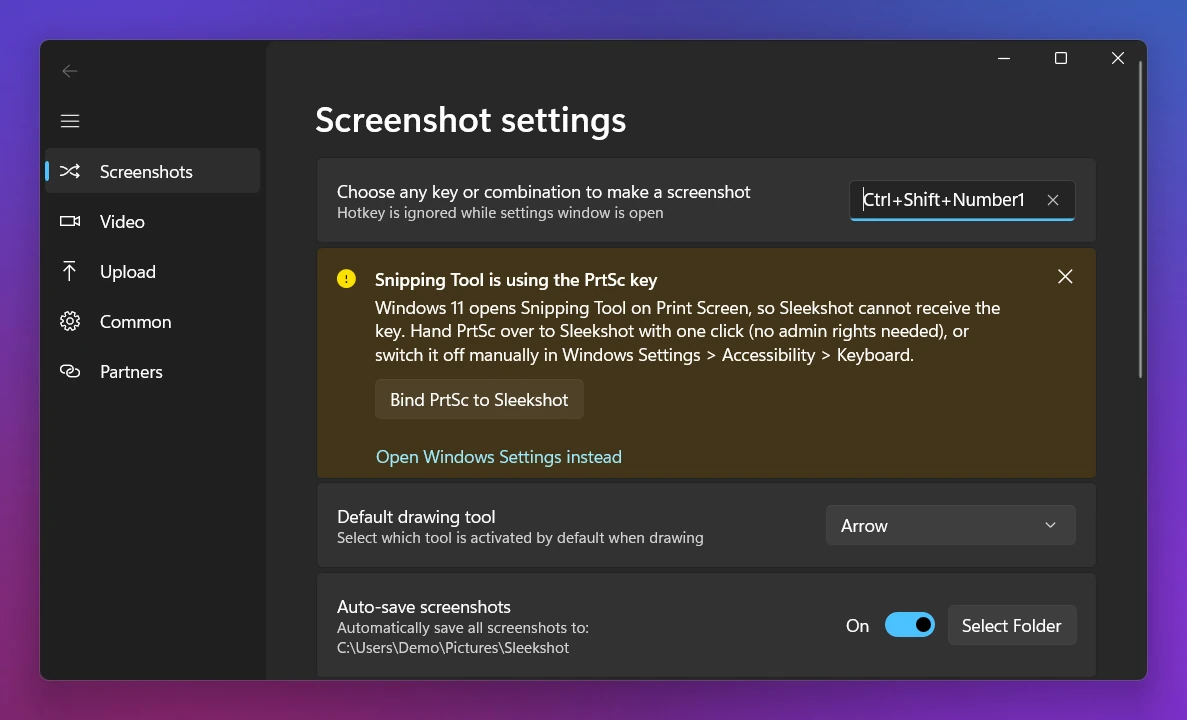
Every screenshot keyboard shortcut for Windows 10 and 11 in one table: PrtSc, Win+Shift+S, Snipping Tool, Game Bar, laptop Fn keys and how to set your own.
February 26, 2026 7 min read
PrtSc grabs every screen at once. Here's how to screenshot just one monitor on Windows 11 or 10 with Win + Shift + S, Alt + PrtSc, cropping or a single key.
February 26, 2026 6 min read
Where the Print Screen (PrtSc) key is on desktop and laptop keyboards, what labels like PrtScn, SysRq or Druck mean, and what it does on Windows 10 and 11.
February 26, 2026 6 min read
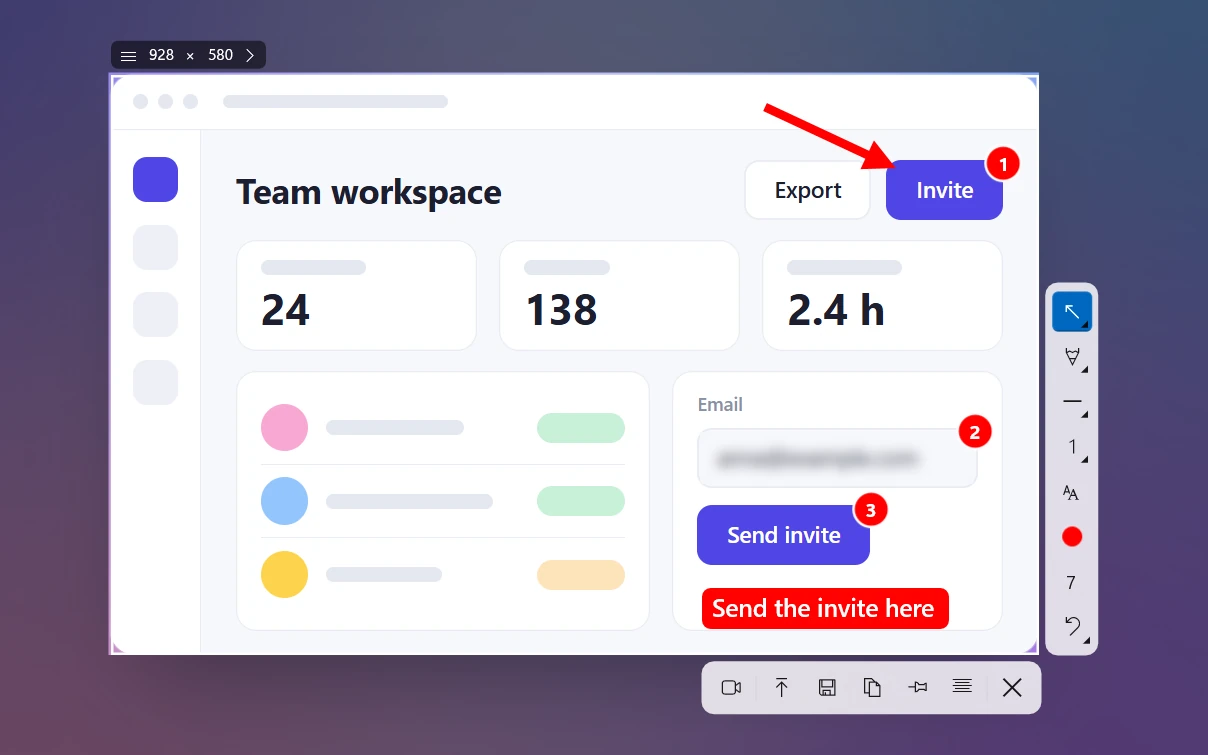
Every way to screenshot on Windows 10 and 11: Win+Shift+S, PrtSc, Win+PrtSc, Alt+PrtSc, Snipping Tool, Game Bar and laptop Fn keys, plus where files go.
February 26, 2026 11 min read
Move the Screenshots folder with Properties > Location, change Snipping Tool's save folder, keep screenshots out of OneDrive, or pick a folder for each one.
February 26, 2026 7 min read
Stop Print Screen from opening Snipping Tool, give PrtSc to another screenshot app, or move it to a different key with PowerToys. Steps for Windows 11 and 10.
February 26, 2026 7 min read