Why Use Screenshot Apps on Mac if the System Already Has Built-in Tools

Many MacBook users do not consider third-party screenshot apps because macOS already provides built-in tools for taking screenshots. However, the standard tools are not suitable for all tasks. Screenshot applications can significantly speed up your workflow, add flexibility, and make the process more convenient.
Limitations of Built-in macOS Tools
macOS built-in features allow you to quickly capture the entire screen, a selected window, or a custom area. These options are free and available immediately after starting your MacBook.
However, built-in tools have several limitations:
minimal editing options after capture;
limited file storage and organization settings;
lack of quick annotation and markup tools;
not always convenient when working with a large number of screenshots.
If you regularly create instructions, presentations, or share images with colleagues, these limitations become noticeable.
Advantages of Third-Party Screenshot Apps
Third-party screenshot apps eliminate many of the shortcomings of built-in tools. They allow you to:
capture windows and screen areas with precision;
instantly add text, arrows, shapes, and blur sensitive information;
choose a folder for automatic file saving;
quickly copy screenshots to the clipboard or export them in the required format;
integrate with cloud services and productivity tools.
All these features make the process of creating and using screenshots faster and more convenient.
Sleekshot — a Convenient Mac Solution
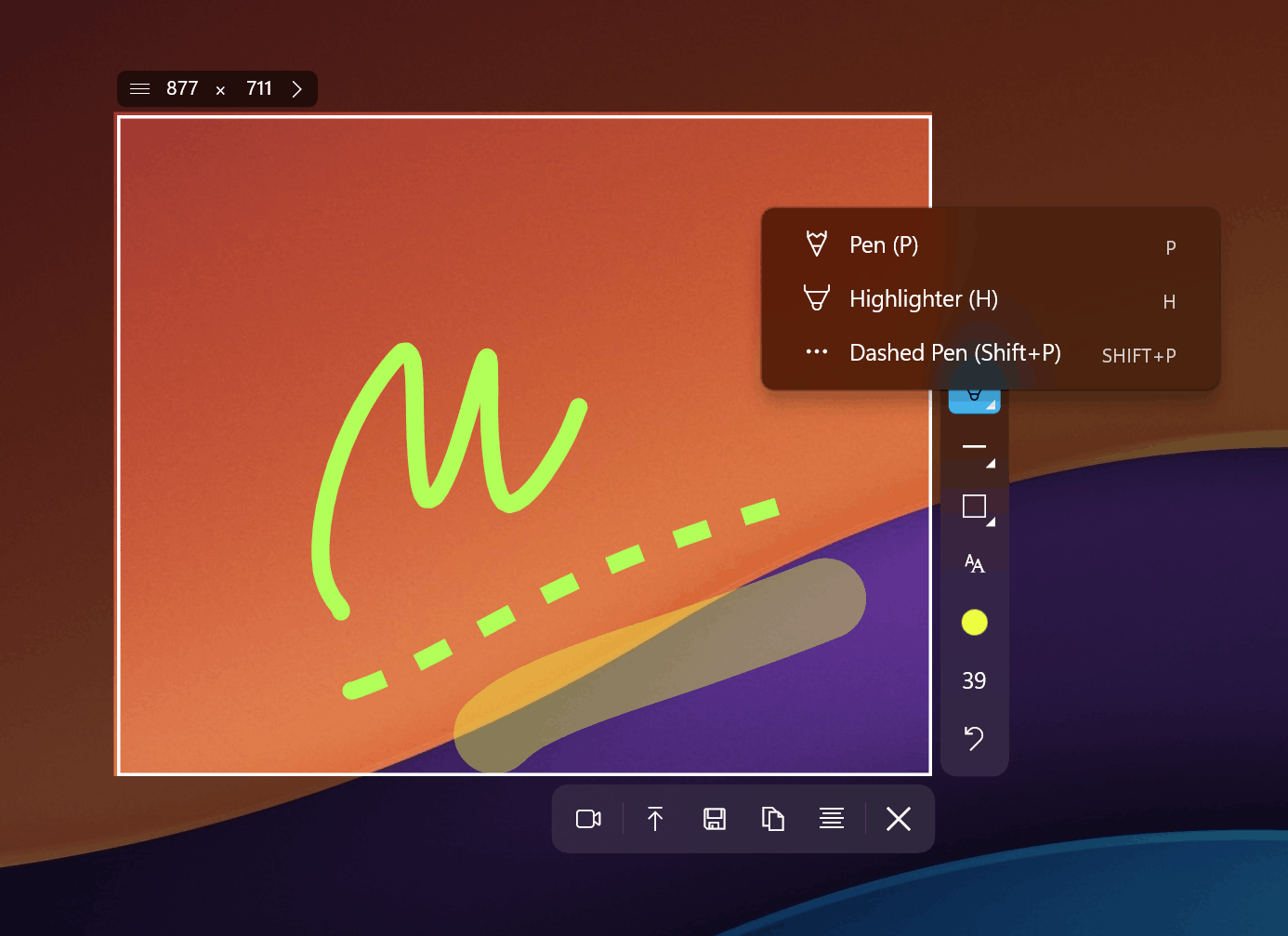
Sleekshot is a modern screenshot app that combines simplicity and functionality. It is ideal for users who need to quickly create clean and polished screenshots without unnecessary steps.
With Sleekshot, you can:
choose an exact capture mode: full screen, window, or custom area;
instantly edit screenshots by adding annotations or hiding personal data;
save images to a selected folder or copy them to the clipboard;
keep your desktop and system organized.
Sleekshot is especially useful for everyday work when screenshots are taken frequently and speed and accuracy are important.
Conclusion
While built-in macOS tools are suitable for occasional screenshots, third-party apps provide more control and convenience. They help speed up workflows, organize files, and edit images immediately after capture.
Sleekshot is one of the best examples of a modern Mac screenshot app that makes creating screenshots simple, fast, and convenient.