Best Screen Recording Apps for PC
Screen recording on a computer is becoming more and more common — it helps explain how software works, save remote lessons, capture webinars, and share gameplay moments. Windows users have access to many tools, from very simple solutions to advanced software with professional settings. Below is an overview of the most popular options.
SleekShot — Simple and Intuitive Screen Recording
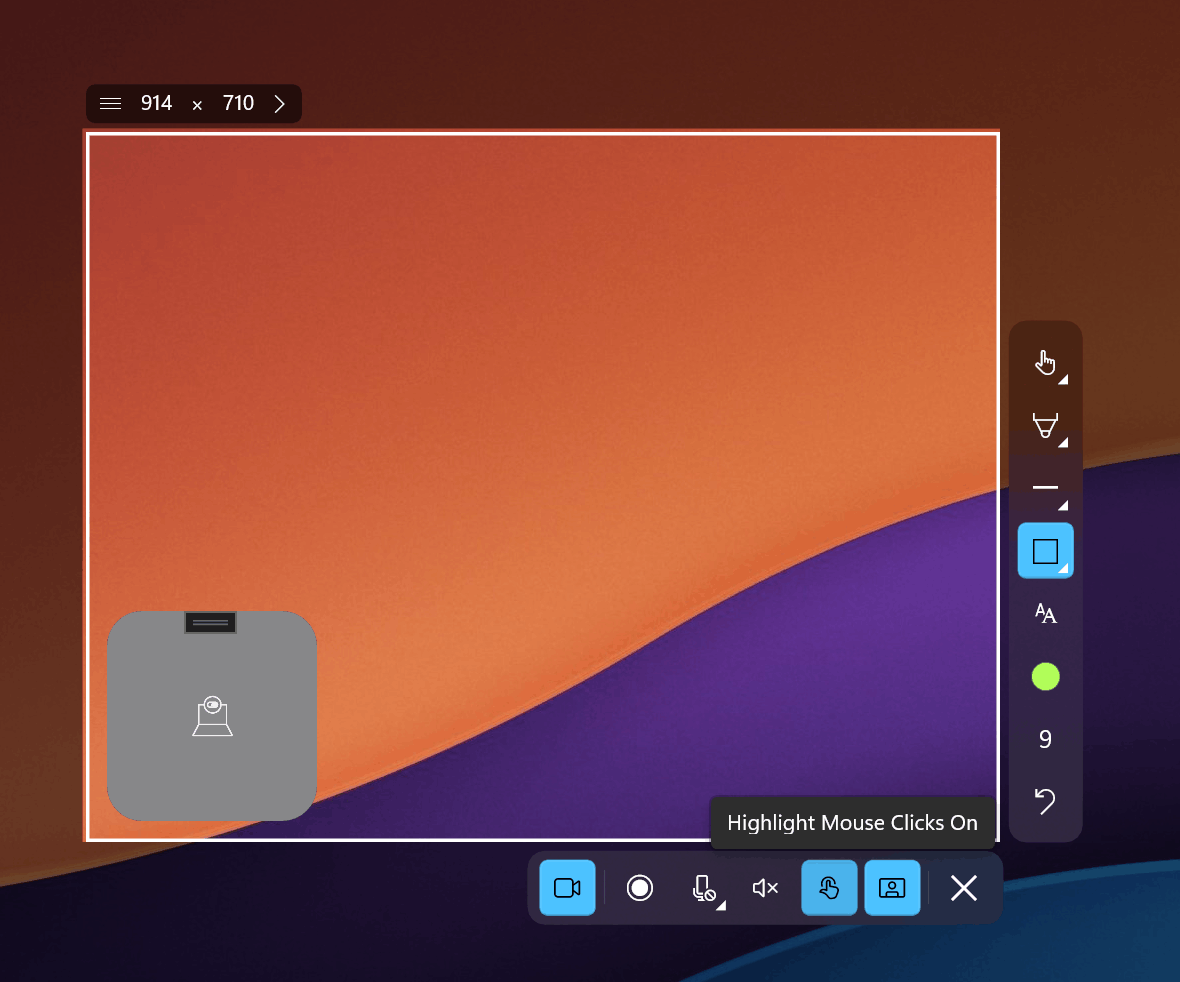
SleekShot is designed for users who value speed and convenience. Starting a recording takes minimal time: you simply select the desired screen area or capture the entire display. The app supports simultaneous system audio and microphone recording, and also allows you to add visual annotations during the process.
SleekShot is suitable for creating tutorials, work instructions, presentations, and interface demonstrations. Recorded files are easy to save and do not require additional preparation for viewing.
OBS Studio — Professional Approach and Flexible Settings
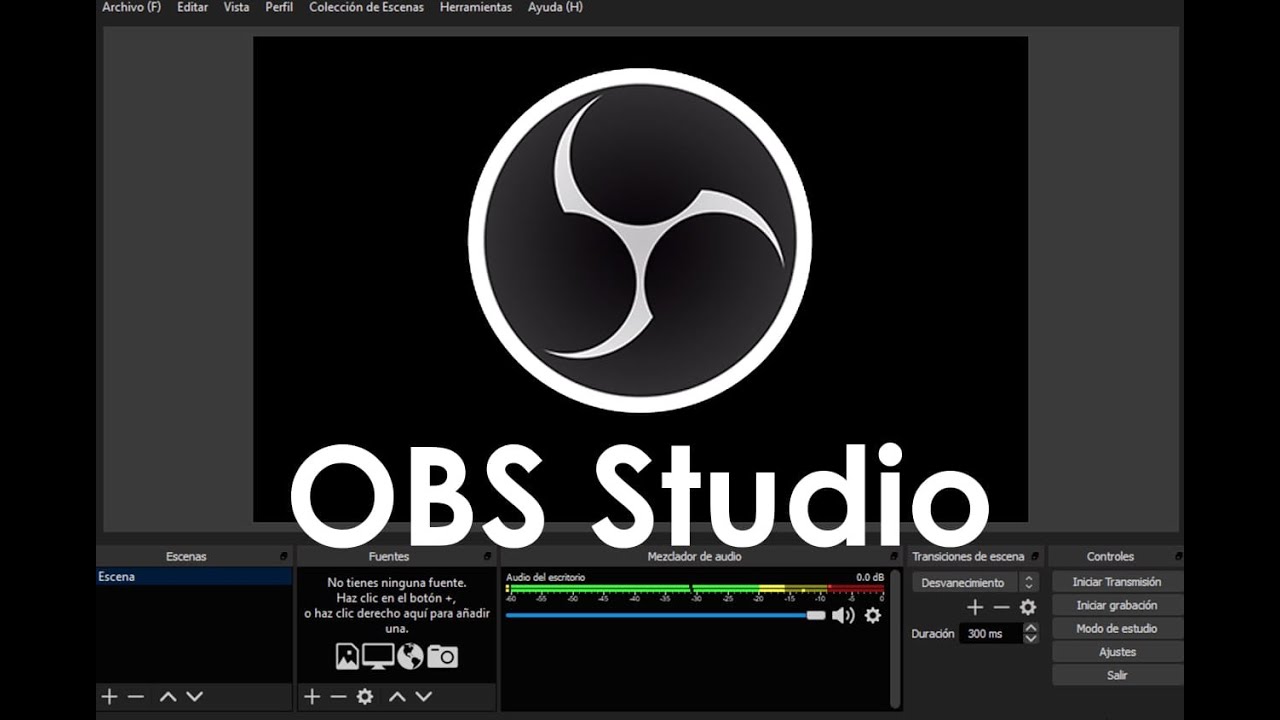
OBS Studio is a free open-source solution designed for users who need full control over their recordings. The program allows you to combine multiple video and audio sources, create scenes, and stream live content.
OBS Studio is often used for gameplay recording and complex projects, but due to its wide range of features, it may feel difficult for beginners at first.
Bandicam — Stable Recording Without Unnecessary Complexity
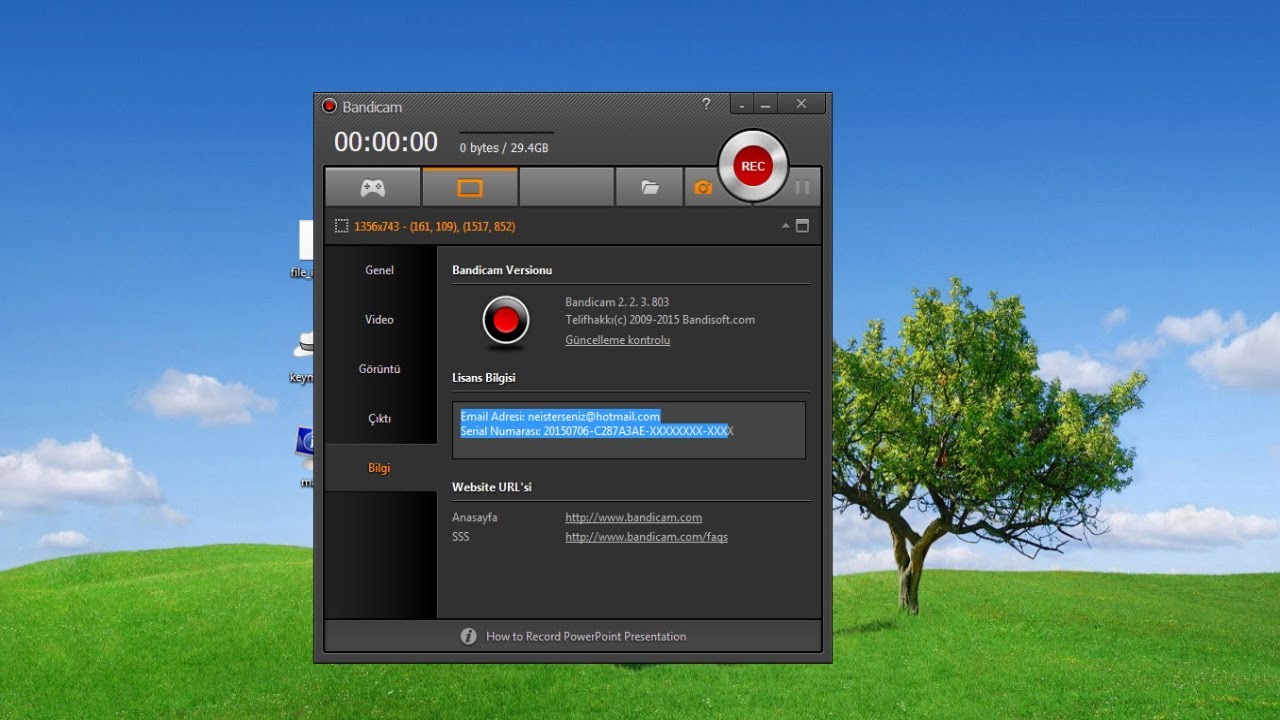
Bandicam is a popular Windows application focused on reliability. It allows you to record the screen, specific windows, and games in high quality while maintaining a simple and clear interface.
Bandicam is a good choice for users who want results without spending time on detailed setup or learning advanced settings.
Icecream Screen Recorder — Quick Start for Beginners
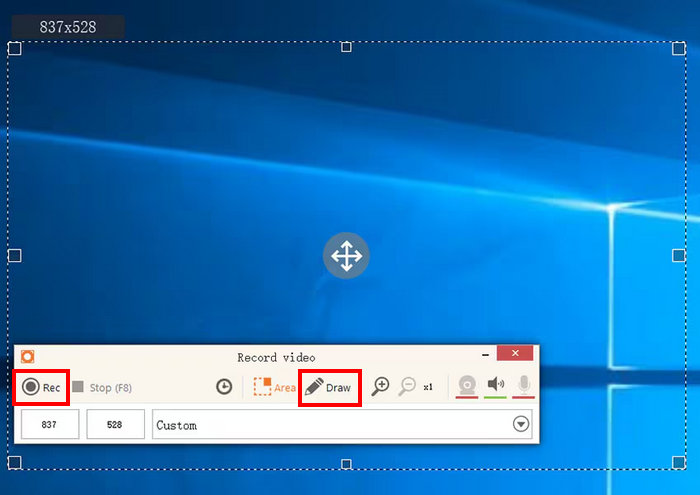
Icecream Screen Recorder is designed for users who want to start recording immediately. It supports screen or area capture, audio recording, webcam integration, and saving videos in popular formats.
Minimal settings and a logical interface make it easy for beginners to get started.
ShareX — Functionality and Automation
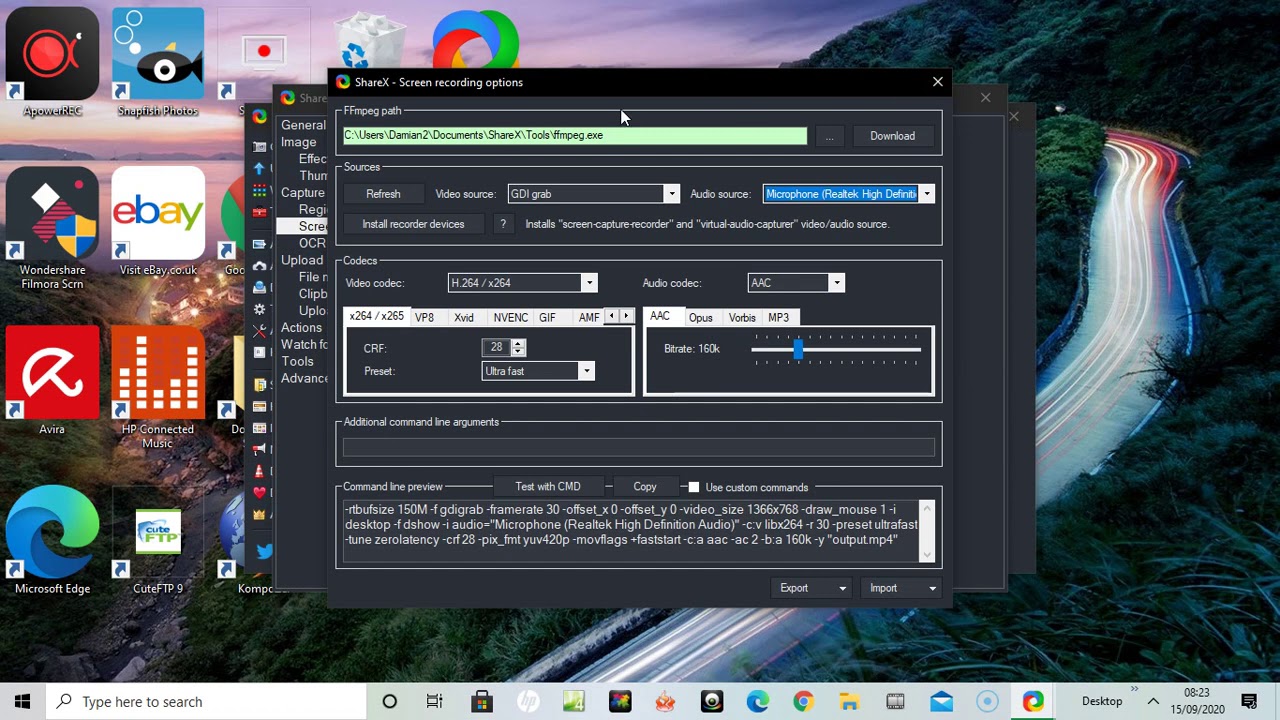
ShareX is a free tool with advanced capabilities. In addition to screen recording, it offers powerful screenshot features and workflow automation.
ShareX is especially useful for advanced users who need flexible customization, although beginners may need some time to learn it.
Each of these solutions is designed for different needs — from quick and simple recording to professional editing and advanced configuration. When choosing a tool, it is important to consider your experience level and the goals for which you need screen recording.