When to Use Screenshots and When to Use Screen Recording
In work, education, and everyday communication on Mac, we increasingly rely on visual materials. Screenshots and screen recordings help quickly convey information, explain tasks, or capture results. However, these tools serve different purposes, and it is important to understand when each format is more appropriate.
When It’s Better to Use Screenshots
Screenshots are ideal when you need to capture a specific moment or interface element. They are static images that are easy to view, send, and store.
You should use screenshots if:
you need to show an error, notification, or a specific application window;
you are creating a step-by-step guide or tutorial;
it is important to highlight individual interface elements such as buttons, fields, or settings;
you need to quickly send an image via chat, email, or document;
you want to save a result as a clear visual example.
Screenshots are convenient because they remove unnecessary distractions and help focus on the key information.
Sleekshot for Working with Screenshots
Sleekshot is a convenient macOS app that makes working with screenshots fast and precise. It allows you to capture individual windows, screen areas, or the entire screen, and then immediately add annotations, arrows, or blur sensitive information.
Sleekshot is especially useful when you need to quickly create clear visual content without extra steps or complicated settings.
When It’s Better to Use Screen Recording
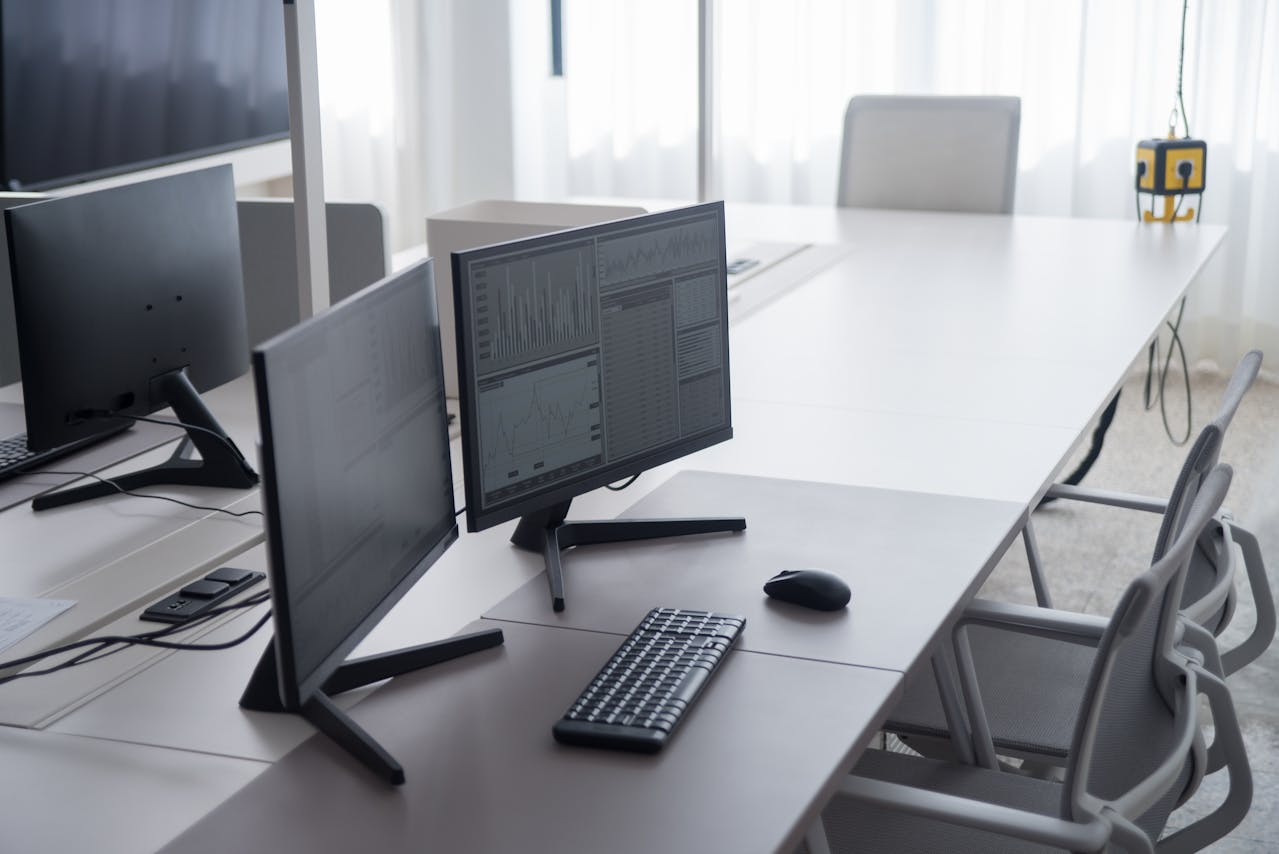
Screen recording is better suited for dynamic processes that are difficult to explain with a single image. Video allows you to demonstrate sequences of actions and changes in real time.
You should use screen recording if:
you need to demonstrate how a program works;
you are creating a tutorial or short instructional video;
it is important to show animations, transitions, or interface behavior;
you need to capture an issue that appears over time;
you are explaining a complex multi-step process.
Video provides more context, but it requires more time to create and watch.
What to Choose in Everyday Work
In many cases, screenshots and screen recordings complement each other. For short explanations and capturing results, screenshots are more suitable. For demonstrating processes and teaching, screen recordings are better.
In practice, users usually start with screenshots and switch to screen recording only when static images are not enough.
Conclusion
Screenshots and screen recordings are different tools for different tasks. Screenshots are quick, simple, and concise, while screen recordings are better for demonstrations and tutorials.
By using Sleekshot for clean screenshots and the built-in macOS tools for screen recording, you can choose the right format for every situation and make your Mac workflow more efficient.