What the PrtSc Key Does on a Keyboard
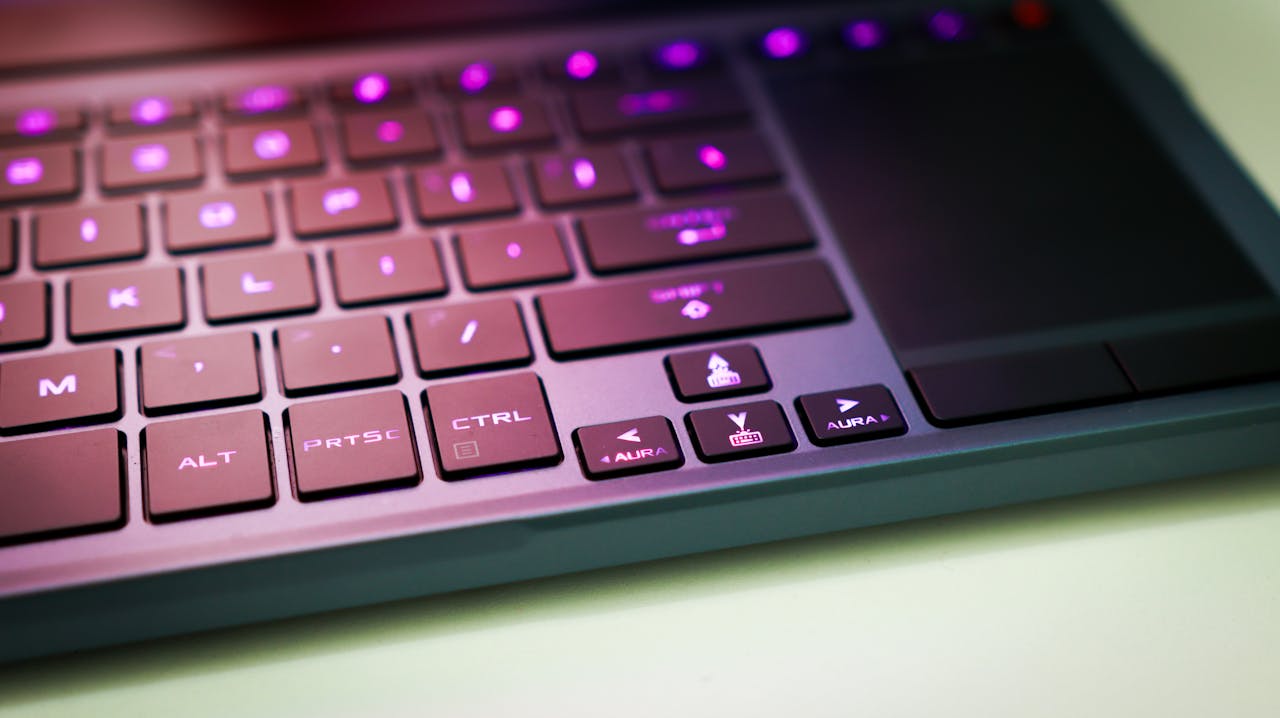
The PrtSc (Print Screen) key has long been an essential tool for working with your computer screen. With it, you can capture whatever is displayed on the monitor in seconds and use the image for work, learning, or communication. Screenshots are often used for visual instructions, demonstrating errors, explaining program interfaces, or saving important information.
How the PrtSc Key Works
When you press PrtSc, the system captures an image of the entire screen and saves it to the clipboard. This is a temporary storage that holds the data until you paste it — for example, into a document, graphic editor, or message using Ctrl + V.
If you need to capture only the active window, you can use Alt + PrtSc. In this case, only the current application is shown in the screenshot, without the taskbar or other desktop elements. This is especially useful for presentations and instructions.
Practical Use of Screenshots
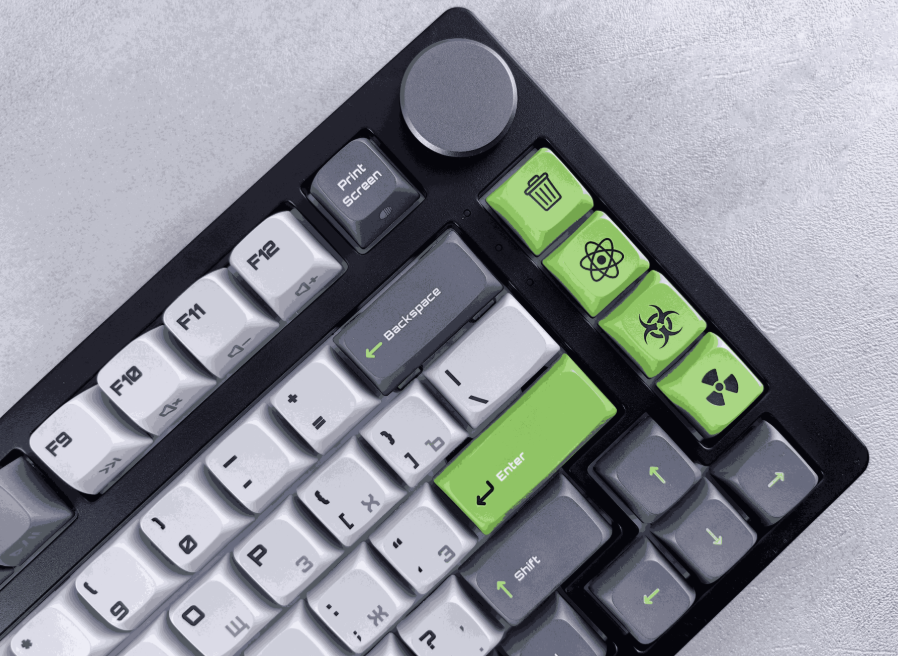
Images taken with PrtSc can be easily pasted into text files, emails, messengers, or slides. It is a fast way to save important information without installing extra software. However, the standard method is not always convenient — often you need to crop the image, add annotations, or manually save the file.
SleekShot — A Simplified Approach to Screenshots
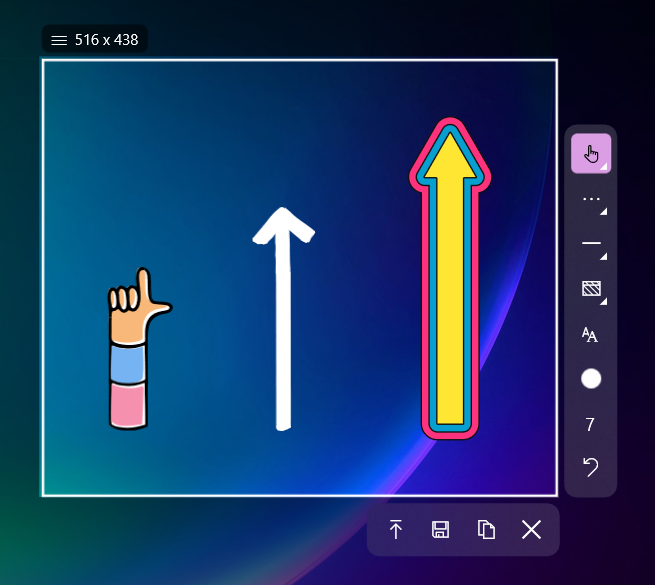
To make working with screenshots faster and more comfortable, you can use SleekShot. This application expands the capabilities of the PrtSc key and eliminates extra steps.
With SleekShot, you can:
Instantly capture the entire screen, a specific window, or a selected area
Edit the screenshot immediately after creation: crop, add text, arrows, and notes
Quickly save or share the final screenshot without extra steps
Its intuitive interface makes SleekShot an excellent choice even for beginners — results can be achieved in just a few clicks.
Conclusion
The PrtSc key is a simple and accessible way to save your screen image. If you want to speed up the process and get neat, ready-to-use screenshots instantly, SleekShot offers a convenient and practical solution for everyday tasks.