How Long a Screen Recording Can Last on Windows
Screen recording on Windows is used for many different tasks: creating tutorial videos, recording online meetings, demonstrating how programs work, or preparing instructions. A common question among users is how long a screen recording can actually last and whether there are any limitations.
The answer depends on the recording method you use and the capabilities of the chosen tool.
Limitations of the Built-in Screen Recording in Windows
Windows includes a built-in screen recording feature that is suitable for simple tasks. However, it has several important limitations. A recording may stop automatically due to:
system restrictions;
insufficient free disk space;
the way the built-in recording feature works;
performance drops during long recording sessions.
In practice, the standard Windows tools are not always suitable for long, continuous recordings, especially when the video needs to last for dozens of minutes.
What Affects the Duration of a Screen Recording
The length of a screen recording on Windows depends on several factors:
the amount of free disk space available;
CPU and GPU load;
the selected recording quality;
the screen recording software being used.
If the recording tool is unstable, the recording may be interrupted or saved with errors.
Why Long Recording Time Is Important
Long screen recordings are necessary if you:
record an online lesson or lecture;
run a presentation or live demonstration;
create a training video without interruptions;
capture a complete workflow from start to finish.
In these cases, it is essential that the recording does not stop unexpectedly and is saved correctly.
SleekShot — Stable Screen Recording for Up to One Hour
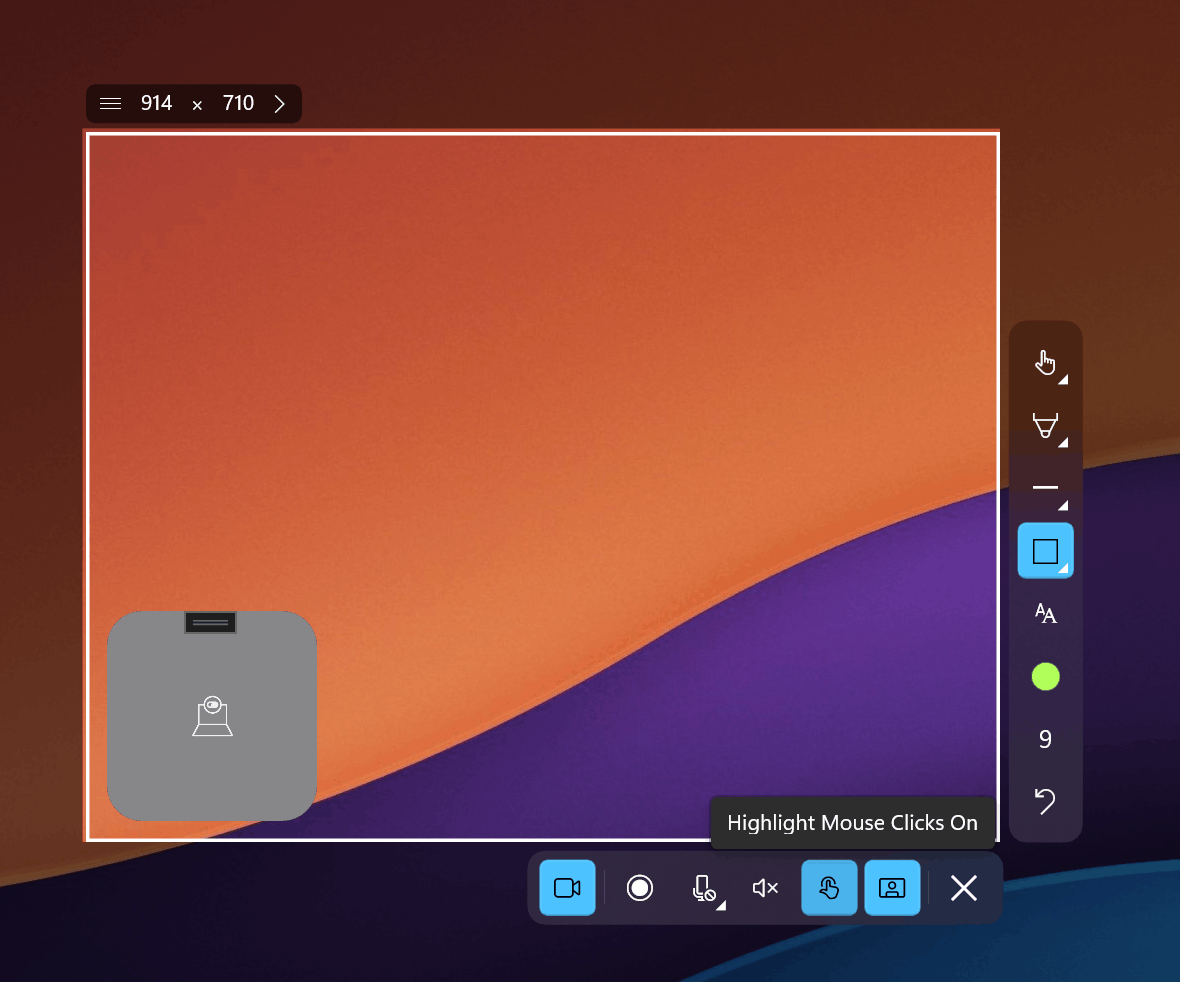
For tasks where duration and stability matter, SleekShot is an excellent choice. The app allows you to record your screen for up to one hour without interruptions, making it a practical solution for more demanding use cases.
SleekShot:
supports long, continuous recording sessions;
remains stable even under extended load;
allows recording of the full screen, a window, or a selected area;
saves recordings reliably without data loss.
This is especially important for users who need reliability and predictable results.
What to Consider for Long Screen Recordings
To ensure a long and trouble-free screen recording, you should:
make sure there is enough free disk space;
close unnecessary applications;
use a reliable screen recording tool;
check recording settings in advance.
SleekShot lets you focus on the task without worrying that the recording will stop too early.
Conclusion
The duration of a screen recording on Windows can be limited by the system’s built-in tools. For short recordings, they may be sufficient, but for longer videos, it’s better to use a dedicated application.
SleekShot is a convenient and reliable solution that allows you to record your screen for up to one hour without unexpected interruptions or technical issues. This makes it a great choice for both beginners and users who need stable, long-duration screen recording.