Best Screenshot Apps for Windows in 2026

In 2026, screenshot tools continue to evolve — from simple screen capture utilities to powerful editors with video recording, cloud synchronization, and automation. Below is a selection of the best applications for Windows, suitable for different tasks.
1. SleekShot — a universal solution
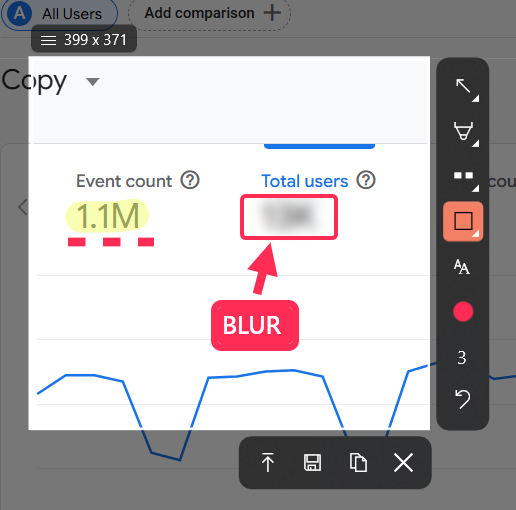
SleekShot is a modern screenshot application that combines high-quality screen capture, built-in editing, video recording, and automation features. If you take many screenshots and value flexibility and speed, it is an excellent choice.
Features:
capture of a selected area, window, or the entire screen
quick access via hotkeys
a built-in editor with annotation tools
screen video recording
synchronization of screenshots with the cloud
2. ShareX
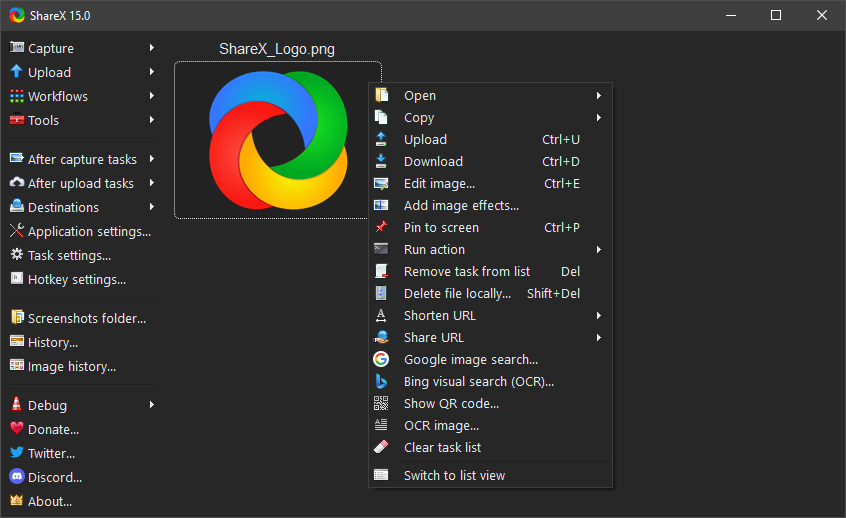
ShareX is one of the most feature-rich free screenshot applications for Windows.
Key capabilities:
full screen, active window, and custom region capture
annotation, blur, and highlighting tools
task automation support
video and GIF recording
uploading screenshots to cloud services
extensive hotkey configuration
Suitable for advanced users and those who want to customize their workflow.
3. Snagit
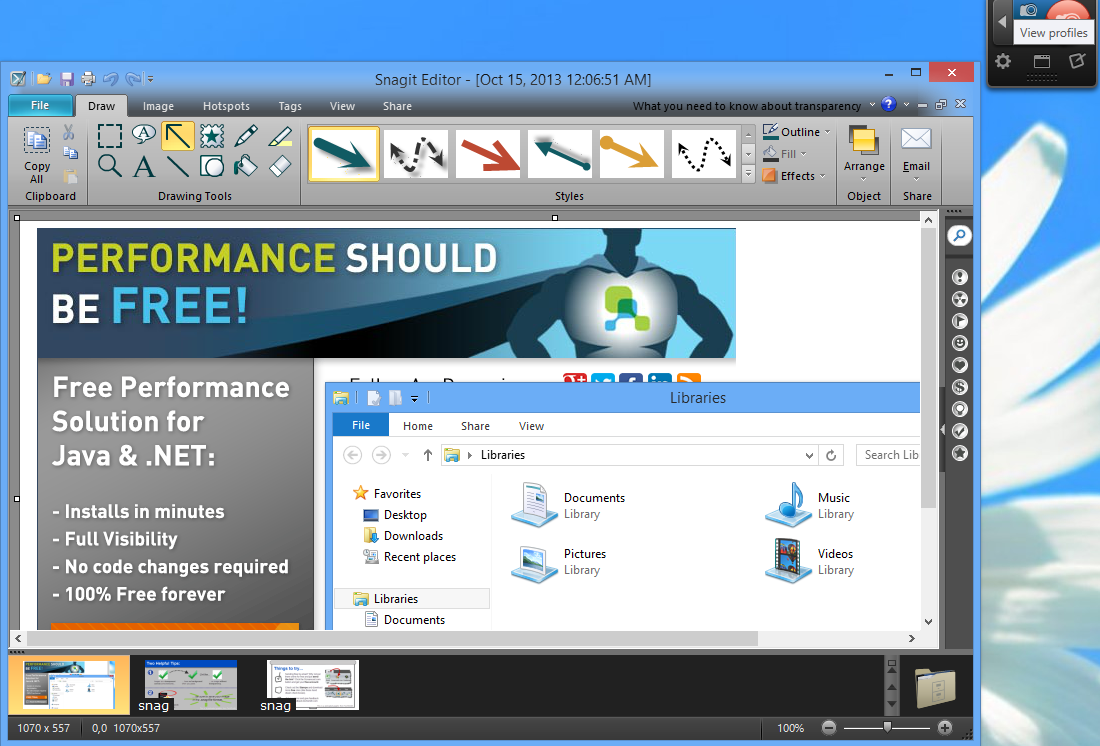
Snagit is a professional tool by TechSmith (paid).
Why users choose Snagit:
a powerful editor for creating step-by-step guides
convenient scrolling page capture
screen and webcam recording
presets for quick sharing to messengers, email, and cloud services
integration with other platforms
Ideal for professionals who create educational materials and documentation.
4. Greenshot
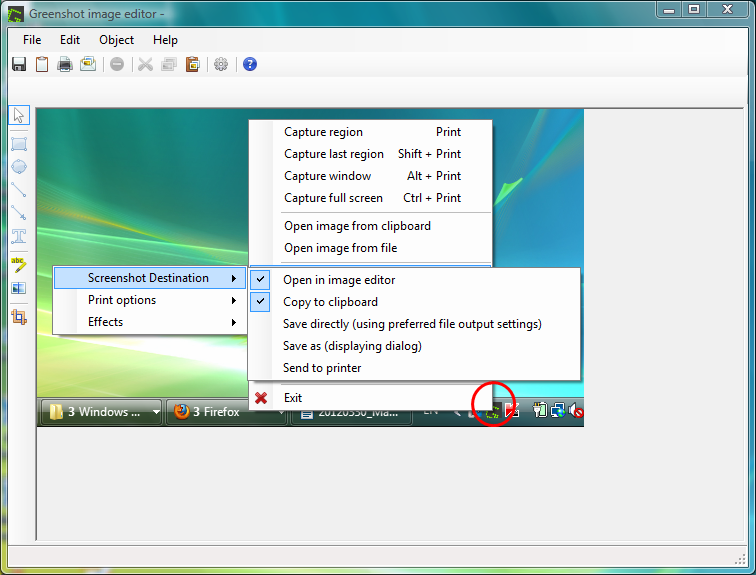
Greenshot is a lightweight and free open-source application.
What it offers:
quick capture of a region, window, or full screen
essential basic editing tools
export to various formats
integration with Outlook, Flickr, and Imgur
A good choice for those who need a stable and simple program without unnecessary features.
5. Lightshot
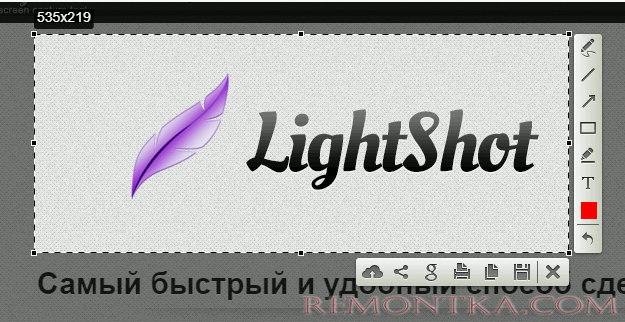
Lightshot is a simple and convenient tool for fast screenshotting.
Notable features:
intuitive region capture
quick editor
ability to upload screenshots to the cloud for instant link access
fast performance with low system resource usage
Suitable for users who need immediate capture and sharing of images.
6. PicPick
PicPick is an all-in-one program for screenshots and graphics work.
Capabilities:
capture of the screen, window, and scrolling pages
built-in graphic editor
rulers, color palettes, and measurement tools
export and sharing options
A good solution for designers, teachers, and those who frequently work with visual content.
7. FastStone Capture
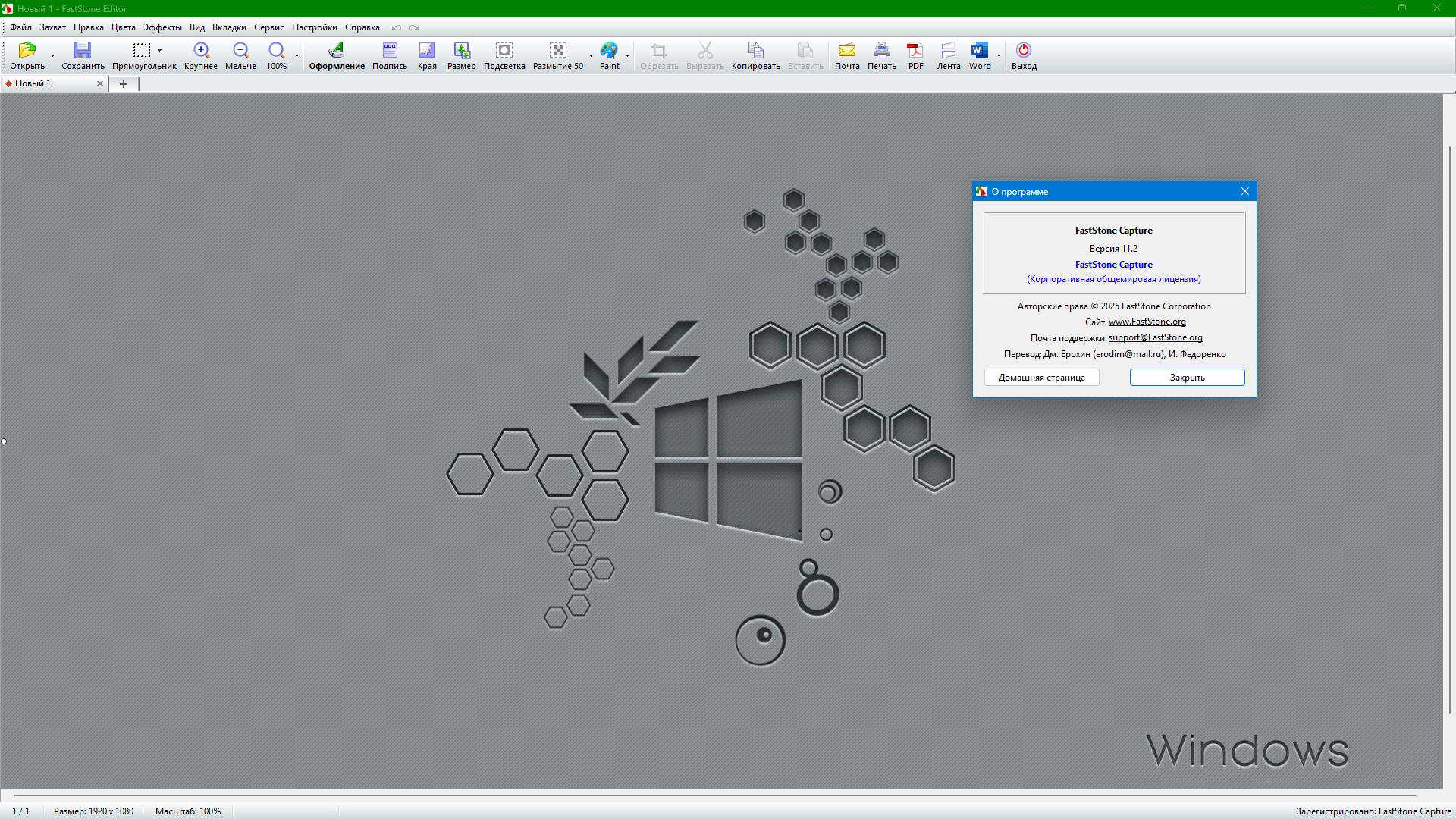
FastStone Capture is a compact application with a wide range of tools.
Main functions:
capture of various screen areas
video recording
annotations, effects, and editing
hotkey support
Suitable for users who need powerful functionality in a small and fast application.